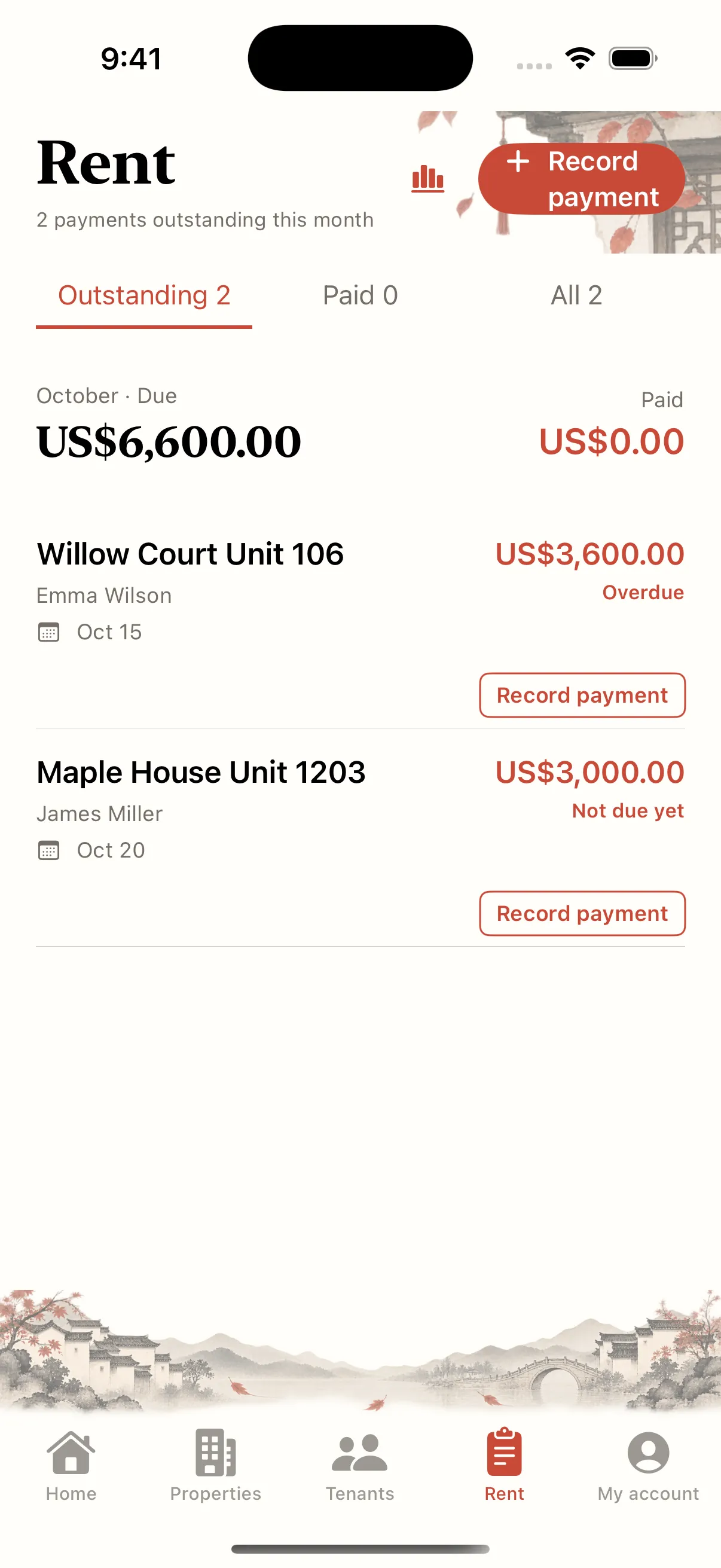
Check the bill before the notification
Review the tenant, tenancy, due date, amount and outstanding bill. If you recently changed a tenancy or recorded a payment, confirm the current balance rather than relying on an older reminder.
Review system and app settings
In iPhone Settings, find Landlady and check notification permission, banners and sounds. Then review due-date and overdue reminders in the app. A landlord’s reminder does not establish that the tenant has been contacted.
Check Focus and notification summaries
Focus or Scheduled Summary can make a reminder less visible. Review which apps may notify you and look in Notification Centre. You can investigate a missed reminder without disabling every system restriction.
Verify the calendar separately
If calendar sync is enabled, check permission and whether the relevant calendar and bill date are visible in Apple Calendar. Recheck after editing a tenancy. Treat reminders as assistance and regularly open the ledger for important due dates.