Start with records you can reconcile
Give each property a clear name and connect the unit, tenant and tenancy. Check the agreed rent and due date. Keep historical records when tenants change so separate rental periods do not get mixed together.
Record money after it arrives
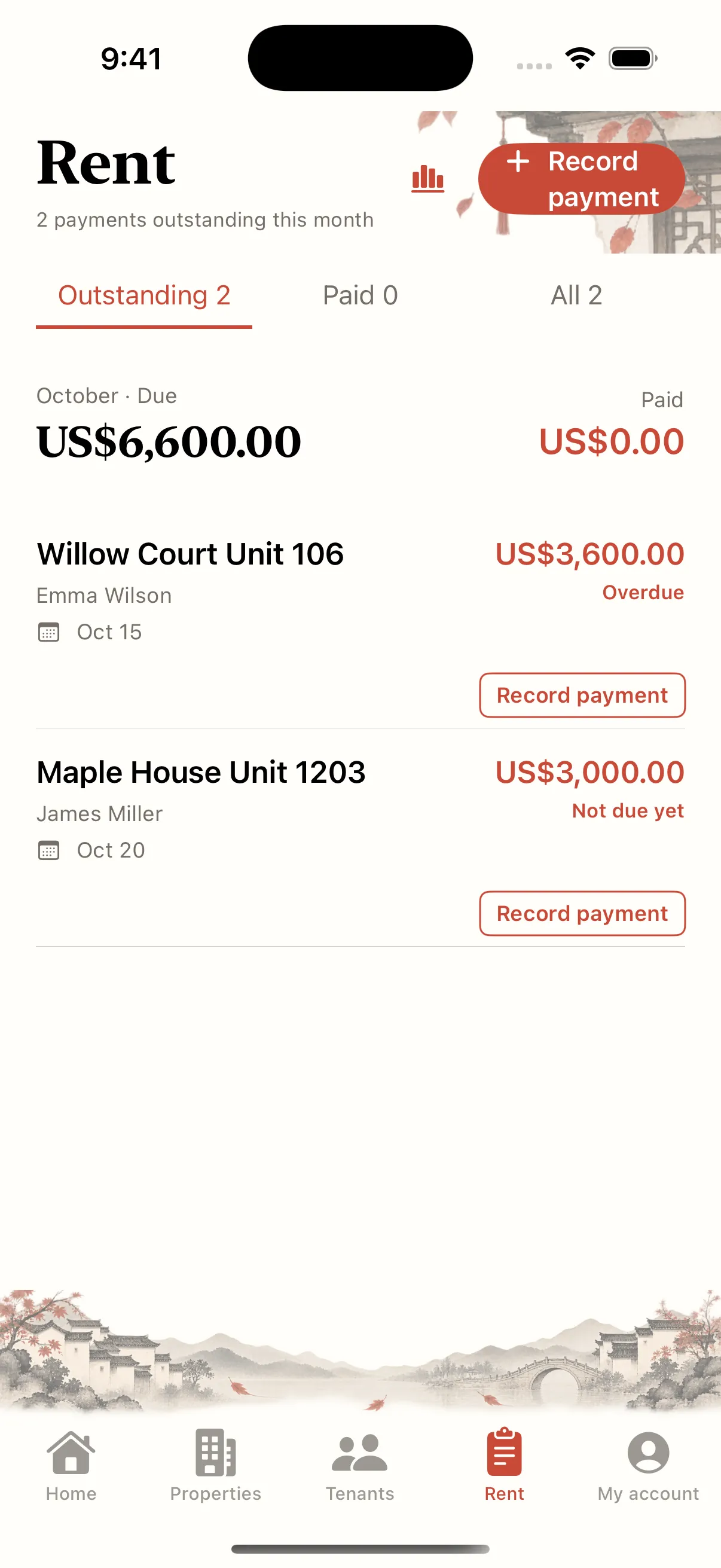
Use actual bank or payment-provider receipts as your reference. Record the property, tenant, fee type, amount and date. A message saying “paid” is a reason to check the account, rather than evidence that the payment arrived.
Reconcile three amounts at month end
Compare the rent due for the month, money actually received and anything still requiring follow-up. For example, if 3,000 is due and 2,000 arrived, another 1,000 needs checking. Rent due is not the same as cash received.
Leave a clear follow-up trail
When amounts differ, check partial payments, dates and duplicate entries first. Reconcile deposits and utilities using the appropriate fee type rather than folding them into rent. A weekly or monthly review keeps the ledger usable when you need it.